
RAW vs JPEG: Comprehensive Comparison of Photography File Formats for Effective Image Quality and Editing
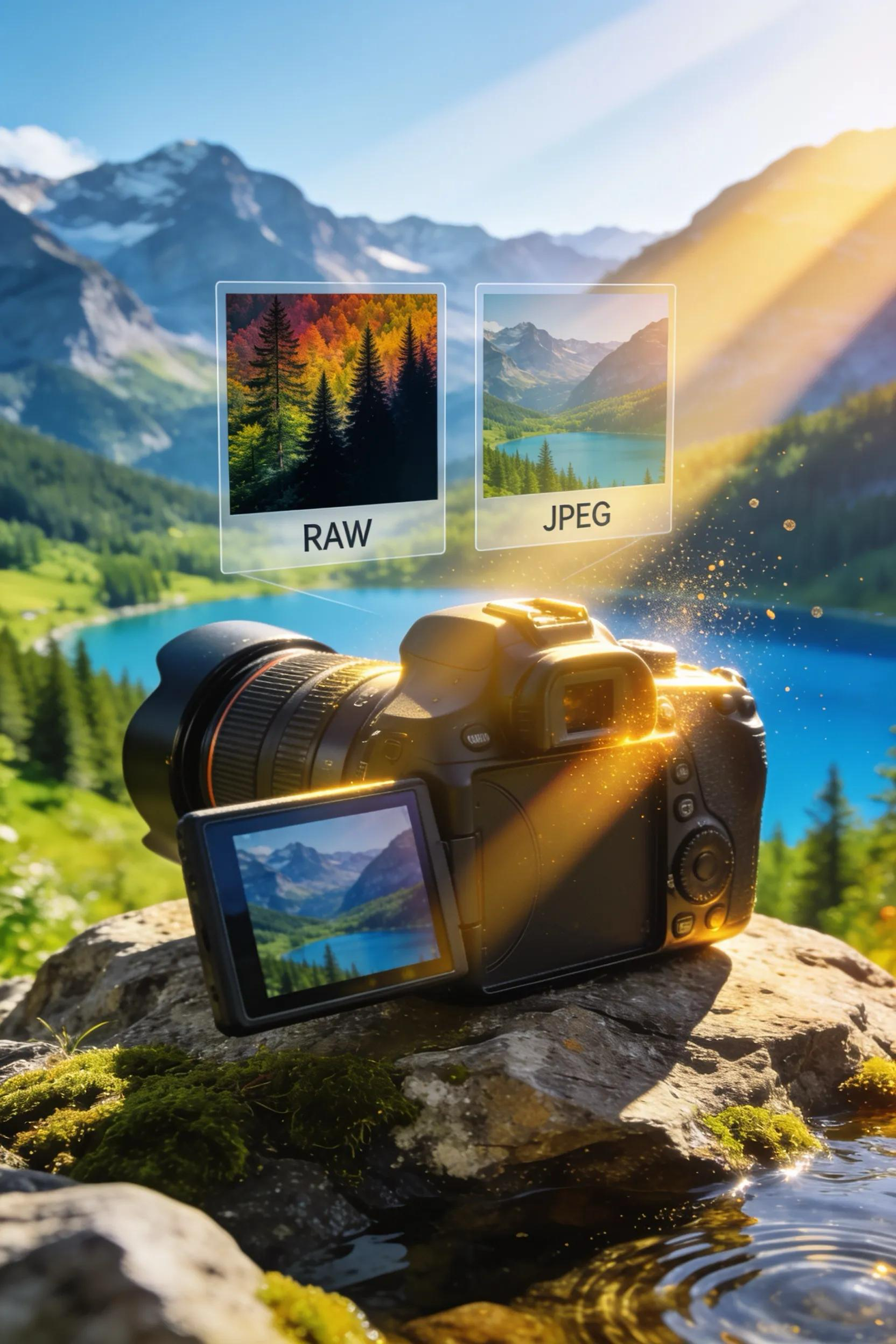
In the realm of photography, selecting the appropriate file format is crucial for achieving optimal image quality and post-processing flexibility. Among the most widely used formats are RAW and JPEG, each offering unique advantages and disadvantages. This article will delve into the characteristics of both formats, illustrating how they impact image quality and editing capabilities.
Photographers often grapple with choices that reflect their needs, whether it be the detailed nuances that a RAW format brings or the convenience and compatibility of JPEG. Throughout this article, we will explore various aspects of these formats, including their definitions, quality differences, editing efficiencies, practical applications in commercial settings, and best practices for managing these files.
What Are RAW and JPEG Photography File Formats?
RAW and JPEG are two principal photographic file formats, each with distinct characteristics that cater to different needs in photography.
How Do RAW Files Capture and Store Image Data?
RAW files capture unprocessed data from a camera's sensor, retaining every detail of the image as it was originally captured. Unlike processed formats, RAW files maintain all the image data, including full color information and dynamic range, enabling photographers to have maximum control during post-processing. This characteristic makes RAW particularly favored among professional photographers who require extensive editing capabilities.
What Defines JPEG Files and Their Compression Methods?
JPEG files, on the other hand, utilize lossy compression techniques to reduce file size by discarding less critical information. This compression enables JPEGs to be smaller and more manageable but at the cost of some image quality. The format supports various compression levels, meaning the quality can vary depending on the compression level selected, which is pivotal for photographers needing quick sharing and easy storage solutions.
How Does Image Quality Differ Between RAW and JPEG Files?
The image quality between RAW and JPEG varies significantly, driven by how each format captures and processes light data.
What Are the Visual and Technical Advantages of RAW Image Quality?
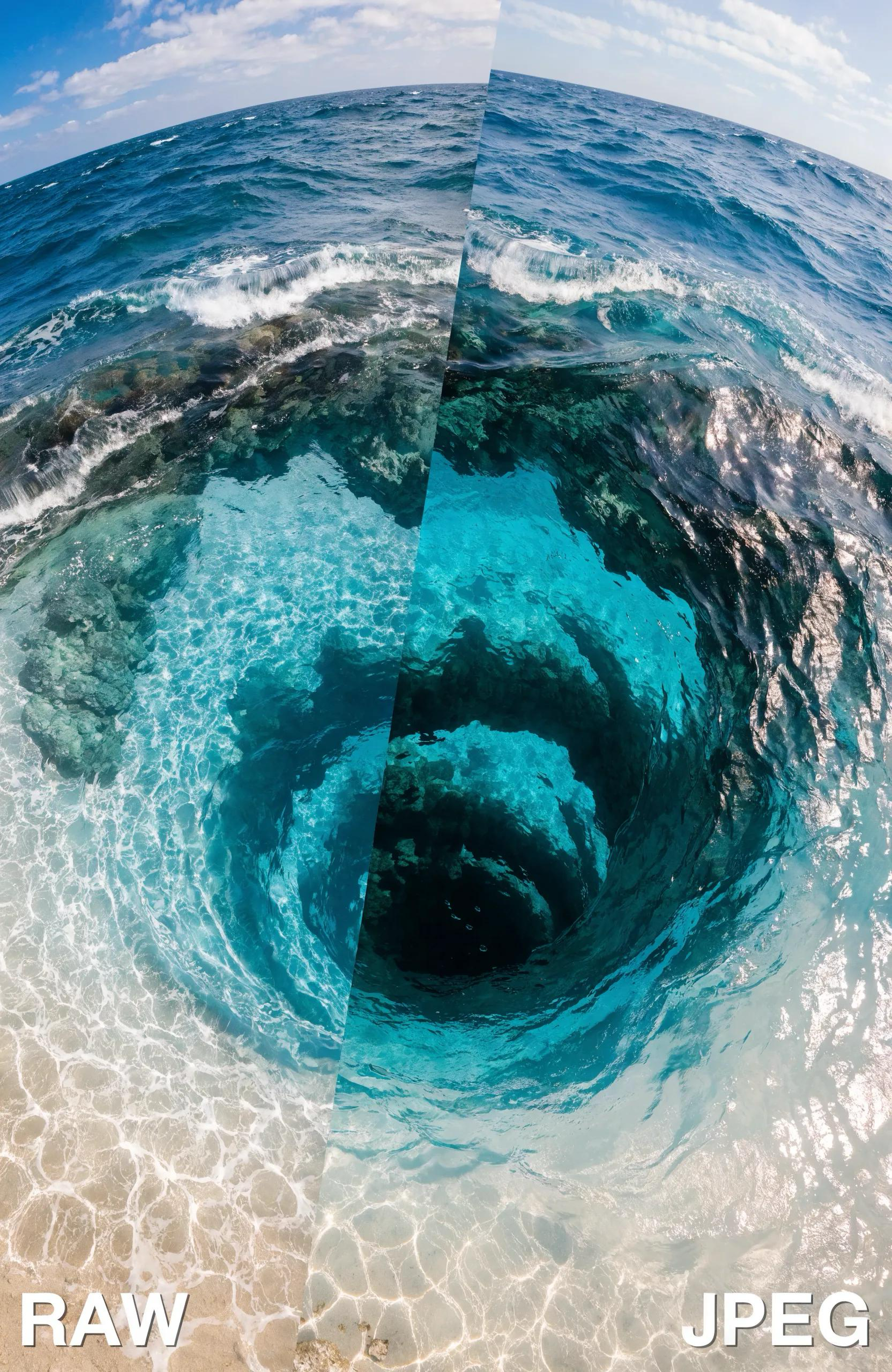
RAW files offer substantial visual and technical advantages, primarily due to their ability to retain complete image information. This includes higher color depth, allowing for smoother gradients and better detail retention in shadows and highlights. Additionally, RAW files provide greater flexibility in editing settings, ensuring that adjustments to exposure, contrast, and color balance can be made without degrading the image quality. In essence, RAW files are essential for maintaining the integrity of the photographic work during editing processes.
What Are JPEG Image Quality Trade-offs Due to Compression?
Conversely, the trade-offs involved with JPEG compression can lead to noticeable quality degradation. As details are lost during the compression process, JPEG files can exhibit artifacts, particularly in areas with high contrast or intricate details. This compression often results in a loss of image detail, which may be unacceptable for professional photography or print. Ultimately, while JPEGs are convenient for everyday use, they may not fulfill the high standards required for specific applications.
Which File Format Is Best for Photo Editing and Post-Processing?
When it comes to photo editing and post-processing, the choice between RAW and JPEG is critical, as each format offers different benefits for photographers.
Why Does RAW Provide Greater Editing Flexibility and Control?
RAW files excel in giving photographers greater editing flexibility and control, facilitating extensive adjustments. For instance, photographers can recover details lost in shadows or highlights and make substantial changes to color temperature without introducing noise or artifacts. This level of control is indispensable for those working on fine art photography or commercial projects, where image fidelity is paramount.
How Does JPEG Format Affect Editing Efficiency and Workflow?
While JPEGs may not provide the same depth of editing flexibility, they positively influence editing efficiency and workflow. JPEG files are significantly smaller, enabling faster uploads, downloads, and overall processing speed. This can be beneficial for photographers who prioritize speed and require files that are ready for immediate distribution or quick social media uploads, especially in commercial environments where time is of the essence.
What Are Practical Use Cases for RAW and JPEG in Commercial Contexts?
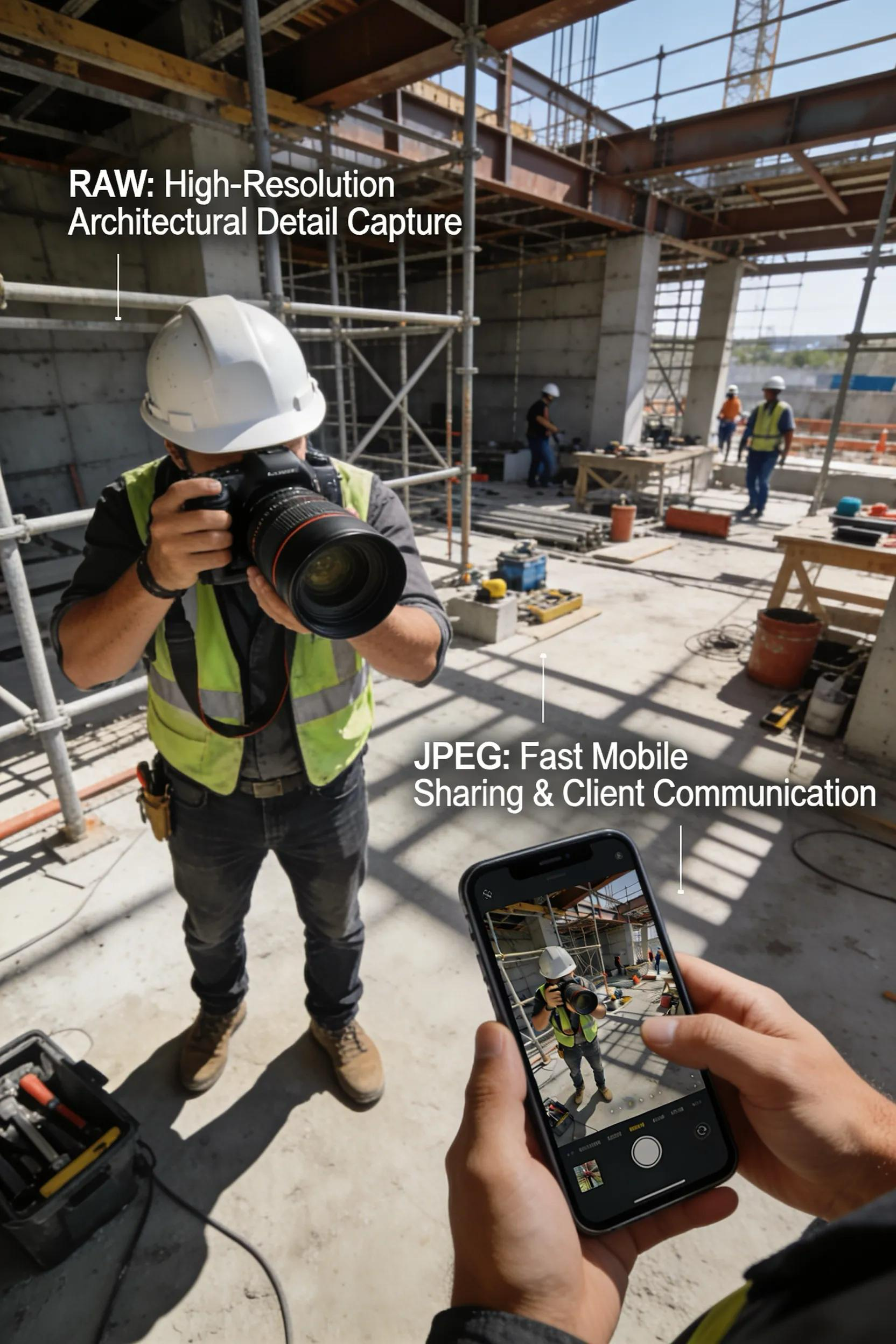
Understanding when to use RAW versus JPEG can greatly enhance the efficiency of commercial photography.
When Should Commercial Construction Projects Use RAW Photography Files?
In commercial construction, RAW photography is ideal for documenting intricate details of projects. The ability to capture extensive dynamic range and detail ensures that images represent the subject accurately, making it easier to showcase the quality of workmanship in marketing materials. For instance, documenting completed projects in RAW format allows for post-processing that highlights architectural features, surfaces, and materials effectively.
How Do JPEG Files Facilitate Quick Sharing and Marketing in Business Settings?
JPEG files are particularly advantageous for quick sharing and marketing purposes. Due to their smaller size, JPEGs can be easily emailed, uploaded to websites, or shared on social media platforms without significant delays. This efficiency makes them suitable for marketing campaigns requiring fast turnaround times. Additionally, their compatibility with various online platforms and devices enhances their utility in promoting construction projects and reaching prospective clients.
What Are Best Practices for Managing and Archiving RAW and JPEG Images?
Proper management and archiving of both RAW and JPEG files are critical for maintaining organization and ensuring accessibility.
How Should You Organize and Store RAW Files for Long-Term Access?
Organizing RAW files for long-term access involves implementing a systematic approach to storage. Photographers should utilize file naming conventions that include date and project details to make retrieval easier. Using external hard drives or cloud storage solutions can help protect these valuable files, ensuring they are backed up and safeguarded against data loss. Moreover, it is advisable to regularly review storage methods to accommodate the growing volumes of digital photography.
What Are Efficient Methods for JPEG File Handling and Optimization?
For JPEG files, handling and optimization should aim to maximize quality while minimizing size. Utilizing software that can compress images without significantly degrading quality is essential. Furthermore, categorizing JPEG files by project or date within dedicated folders can enhance the workflow and facilitate swift access to necessary images when needed. Adopting these best practices can help photographers keep their inventory orderly and efficient.
What Frequently Asked Questions Address Key Concerns About RAW vs JPEG?
To clarify common misconceptions surrounding RAW and JPEG formats, it’s important to address frequently asked questions.
How Do File Sizes Impact Storage and Transmission?
File sizes play a crucial role in storage and transmission, particularly in professional photography. RAW files can be considerably larger than JPEGs, which means they require more storage space and longer upload times. Photographers must balance the need for image quality with practical storage solutions to manage their data effectively.
Can You Convert Between RAW and JPEG Formats Without Quality Loss?
While it is possible to convert RAW to JPEG, doing so typically involves a loss of quality since JPEGs are compressed versions of images. It is advisable to retain the original RAW files for edits and only create JPEG versions for sharing and distribution. This practice ensures that high-quality images can always be accessed and modified as needed.
Frequently Asked Questions
1. What are the key differences in editing capabilities between RAW and JPEG?
RAW files provide much greater editing capabilities compared to JPEGs due to their unprocessed nature, allowing for significant adjustments in exposure, color temperature, and shadows without compromising quality. In contrast, JPEGs are limited in this regard since they have already undergone compression, which results in fewer options for adjustments without introducing artifacts. Photographers often prefer RAW for detailed edits, especially in scenarios where image fidelity is crucial, such as fine art or commercial work.
2. Are there specific scenarios where JPEG might be the preferred choice?
Yes, JPEGs are often preferred in scenarios where quick sharing, low storage requirements, and high-speed workflows are essential. For example, in event photography or social media content creation, JPEGs allow photographers to capture and distribute images rapidly without the need for extensive post-processing. Their smaller file size makes them ideal for situations where storage space is limited, such as memory cards or cloud storage with restrictions.
3. What hardware is recommended for handling RAW files effectively?
To handle RAW files efficiently, photographers should invest in a powerful computer with ample RAM, a fast SSD for quick access to files, and a quality graphics card for processing images. Additionally, using calibration tools for monitors ensures color accuracy when editing RAW images. External hard drives or cloud services are also advisable for backing up and storing RAW files securely, given their larger size compared to JPEGs.
4. How do environmental factors affect the choice of file format in photography?
Environmental factors can significantly influence the choice between RAW and JPEG formats. For instance, photographers shooting in dynamic or unpredictable lighting conditions might opt for RAW due to its greater latitude in recovering details. Conversely, in scenarios requiring fast-paced shooting, such as sports or wildlife photography, JPEG might be preferable for its rapid saving capabilities and smaller file size, facilitating a quicker approach to capture moments without missing key shots.
5. Can RAW files be viewed on regular photo viewing software?
Viewing RAW files usually requires specific software or applications capable of reading these formats, as they are not universally supported. Most photo viewing software like Adobe Lightroom or Capture One can handle RAW files effectively. However, for users looking for compatibility with general viewers, converting RAW to JPEG or other commonly supported formats might be necessary for easier access across various devices.
6. How does the choice of camera affect RAW versus JPEG decisions?
The choice of camera has a significant impact on whether to shoot in RAW or JPEG. Professional and high-end cameras typically offer advanced RAW capabilities with extensive settings that maximize image quality. Conversely, entry-level cameras may perform better with JPEGs due to limited processing power and storage. Photographers should consider their equipment's strengths when deciding on the preferred format for their projects and shooting style.
7. What is the impact of different RAW file formats on editing?
Different RAW file formats, such as CR2, NEF, or ARW, can affect the editing process since each camera manufacturer has its unique encoding for RAW data. These variations can lead to differences in how software interprets colors and details. Consequently, the choice of editing software is critical, as not all applications support every RAW format equally well, influencing the overall editing experience and results.